Best Design Tools Landing Page Design Inspiration
A curated collection of Design Tools landing page design for your inspiration. Get inspired by real landing page examples, each review featuring a full screenshot and highlighting standout features.

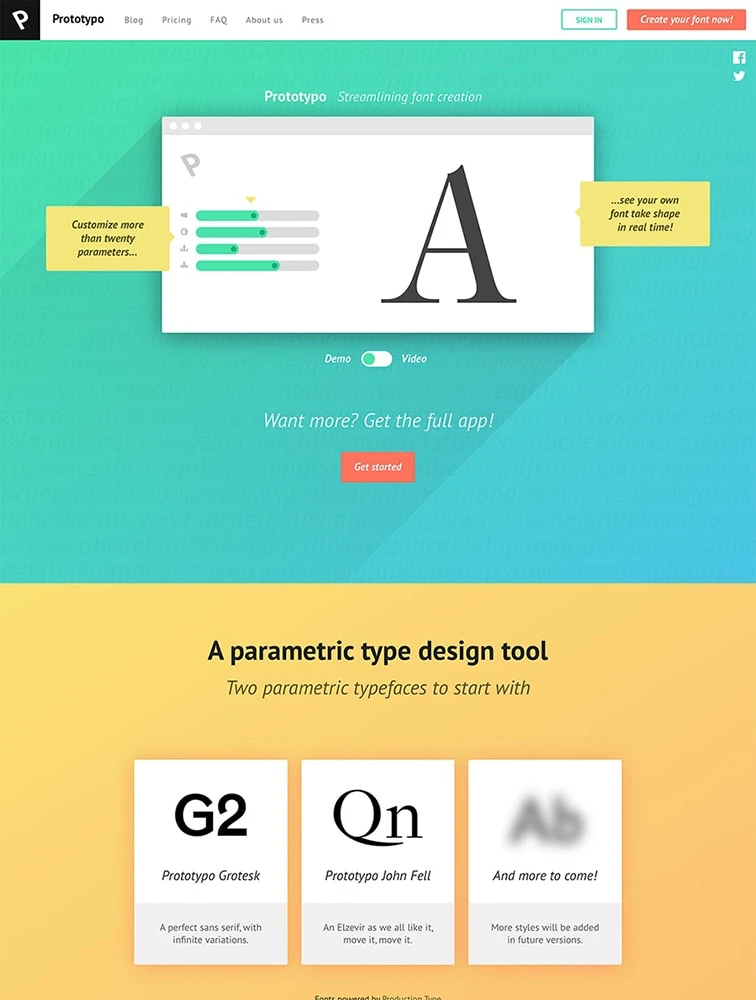
Prototypo
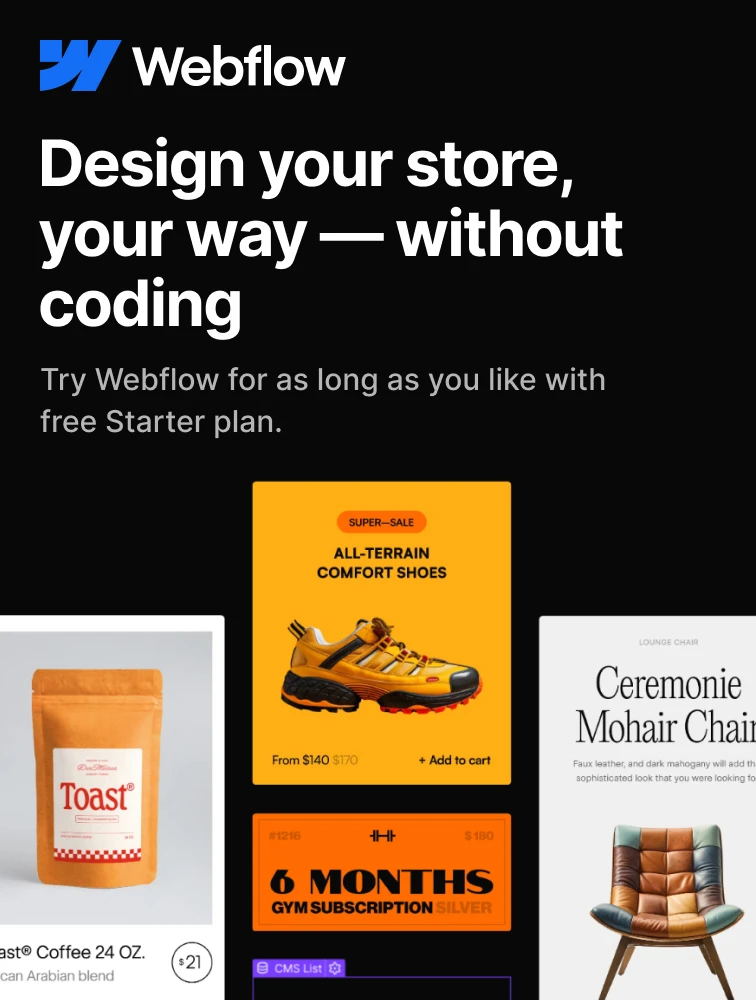
 Webflow
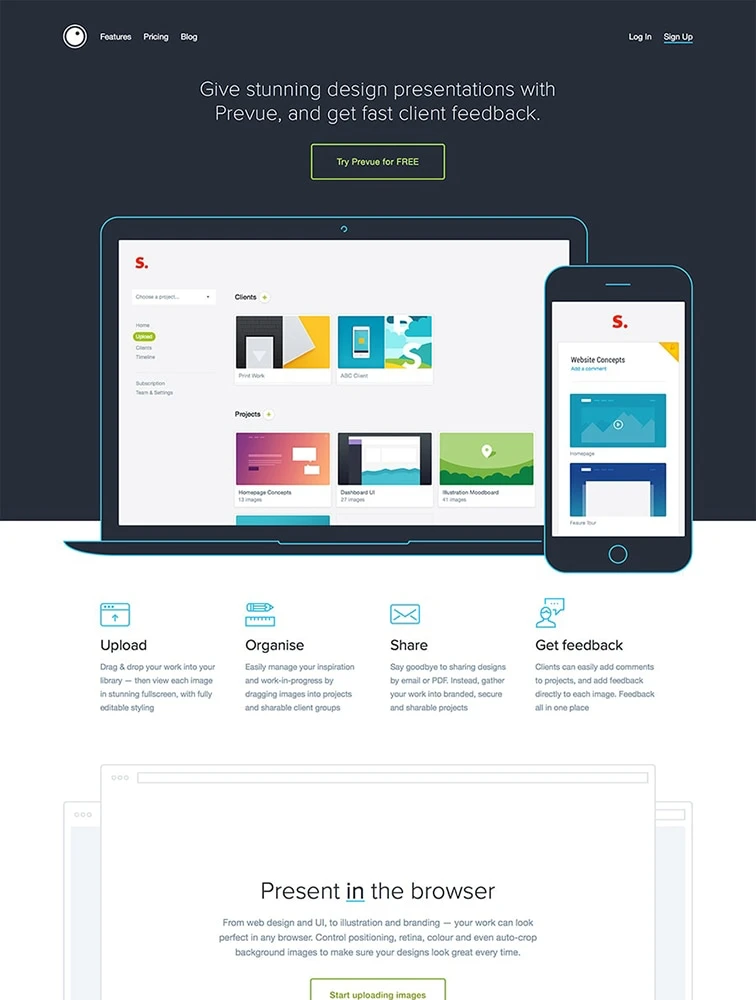
 Prevue
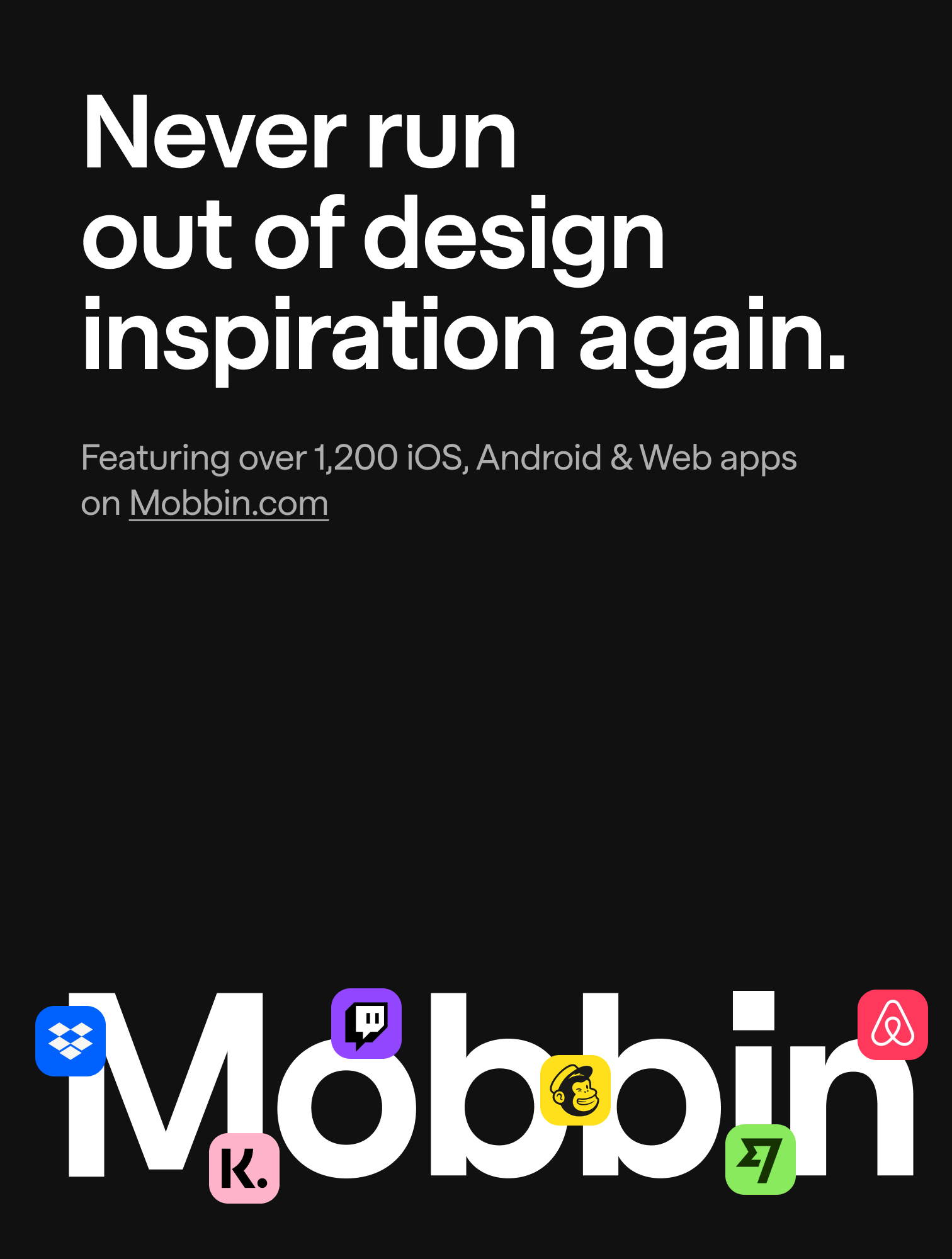
 Mobbin.com
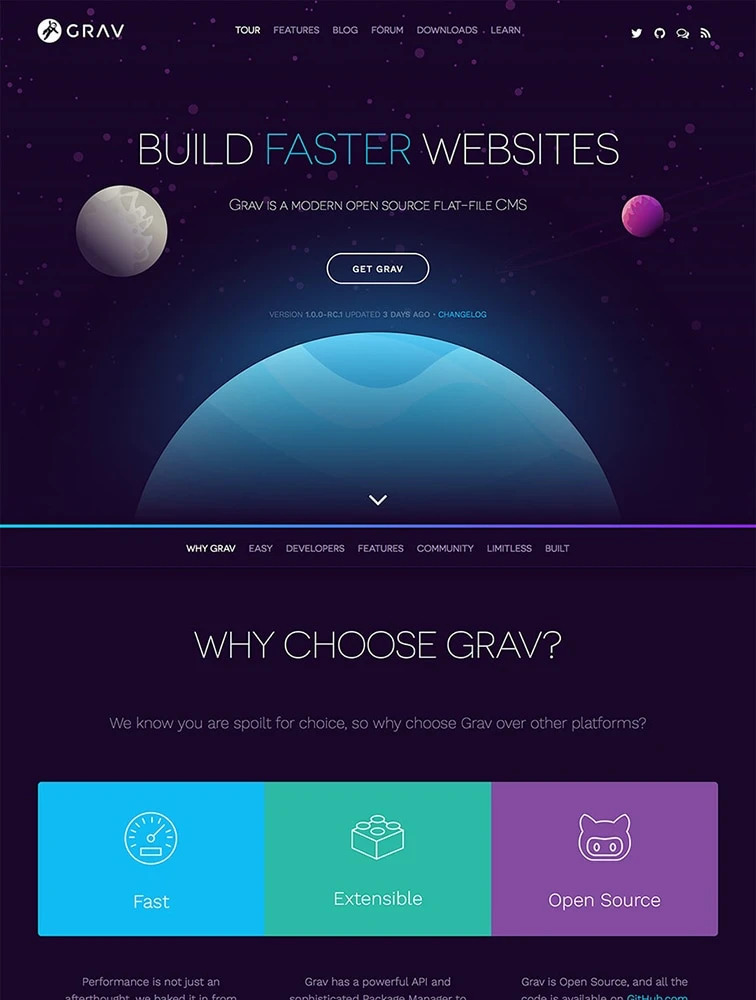
 Grav
Grav
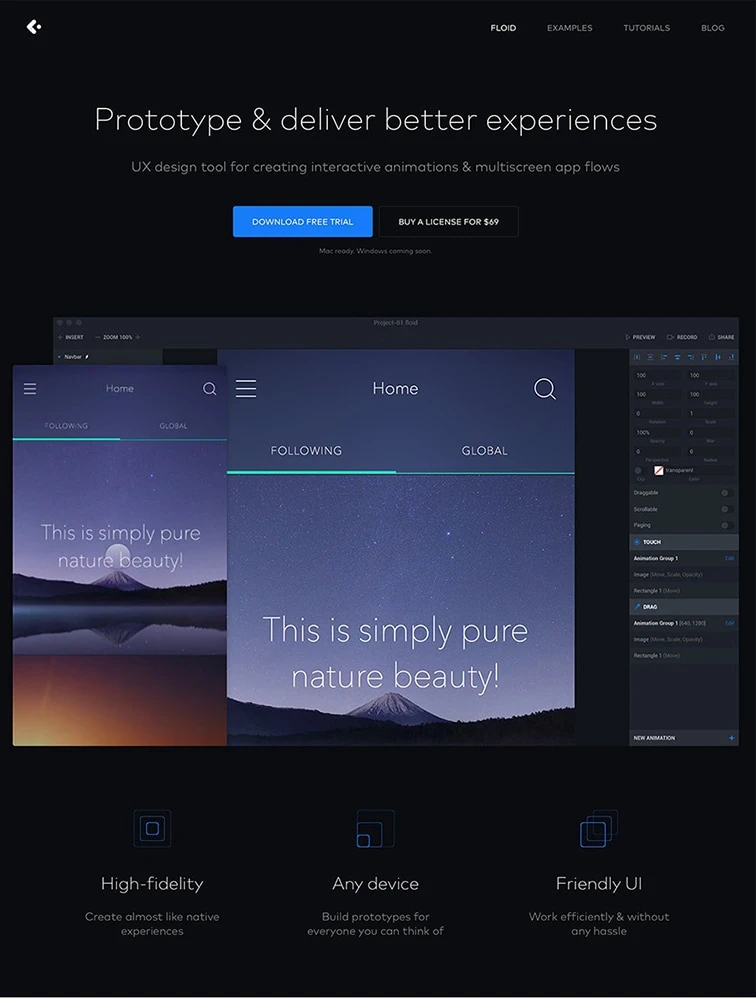
 Floid
Floid
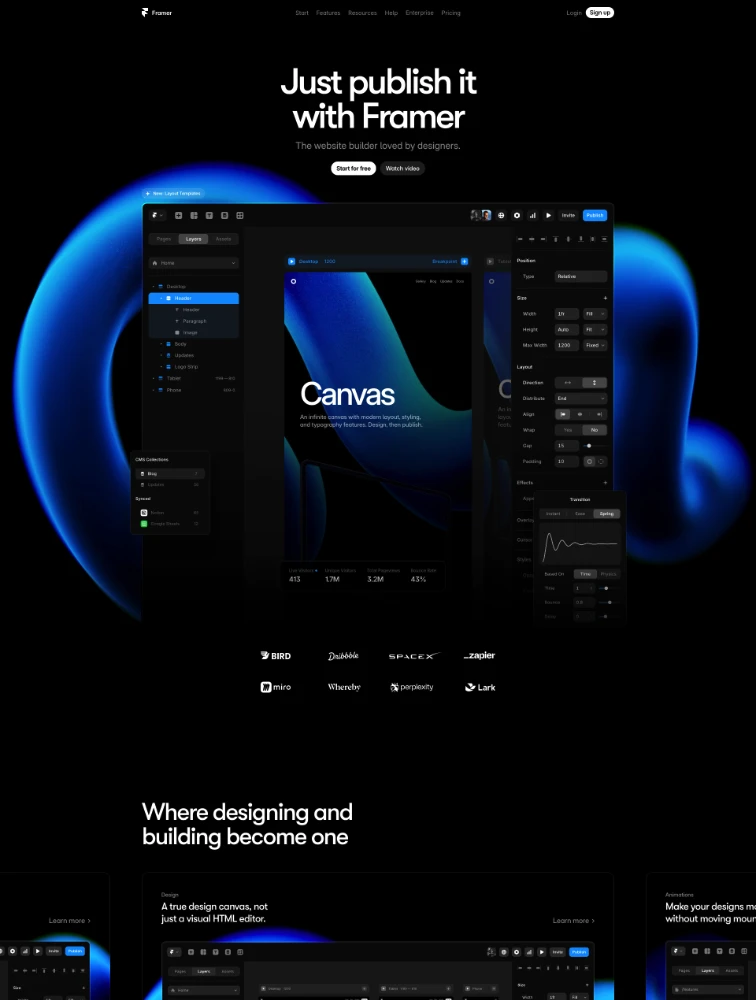
 Framer
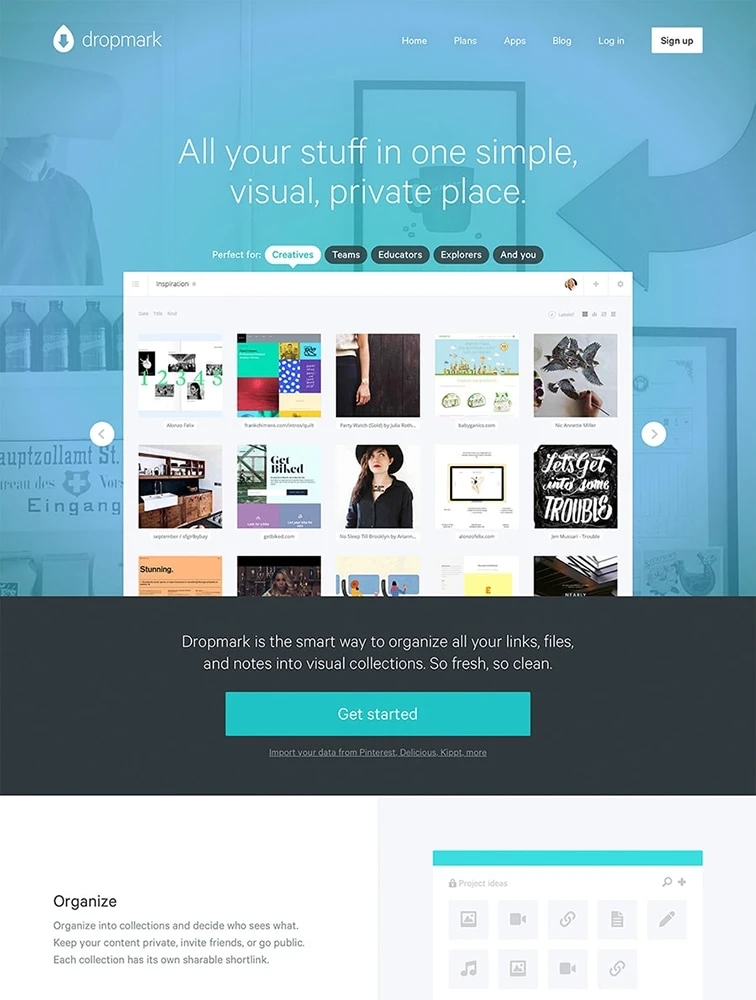
 Dropmark
 Our Sponsor
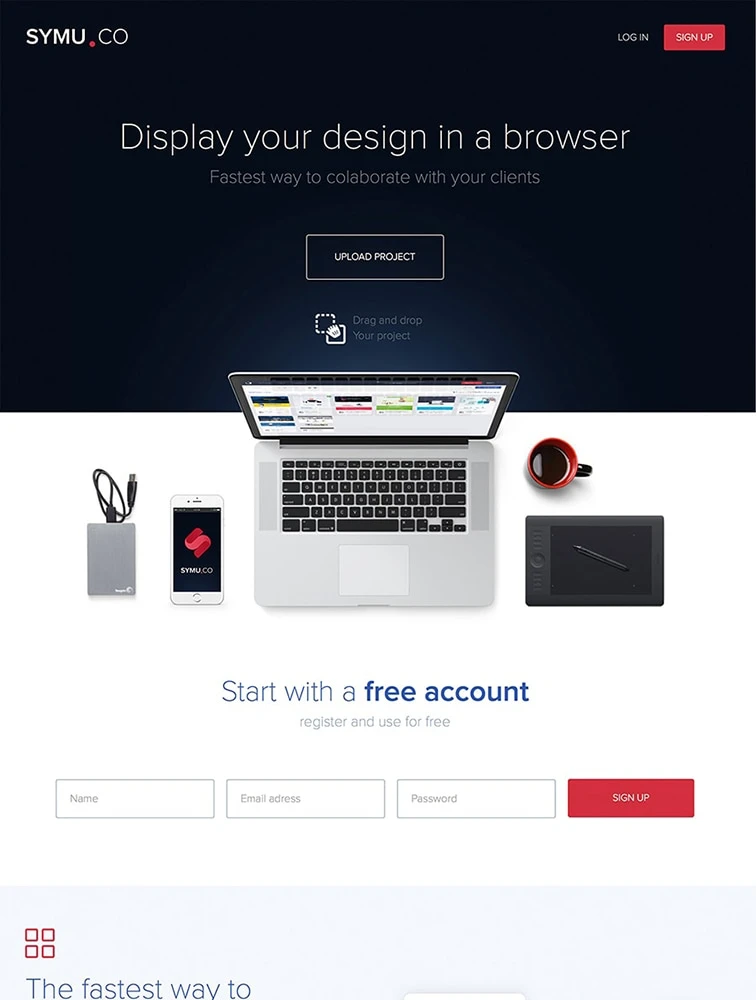
 Symu
Symu
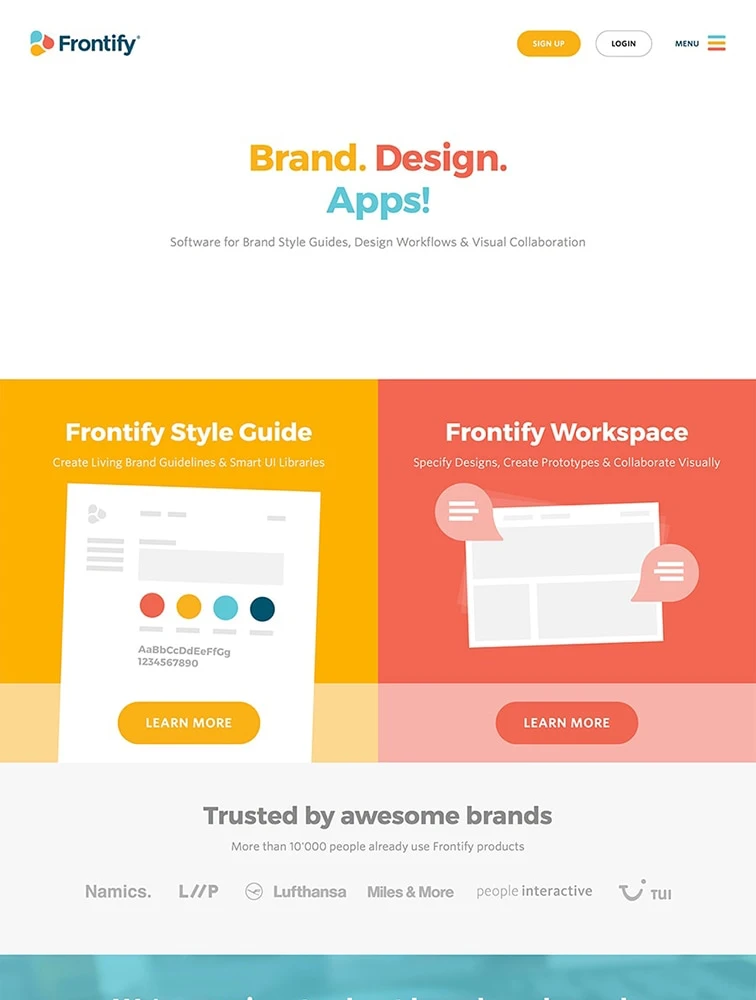
 Frontify
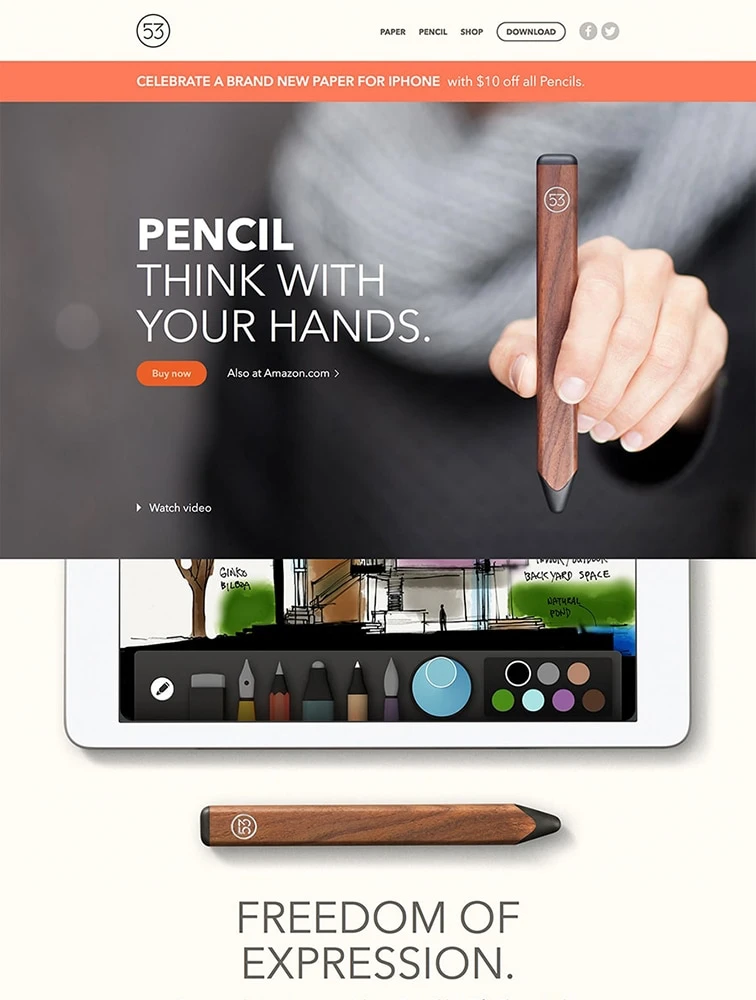
Pencil by FiftyThree
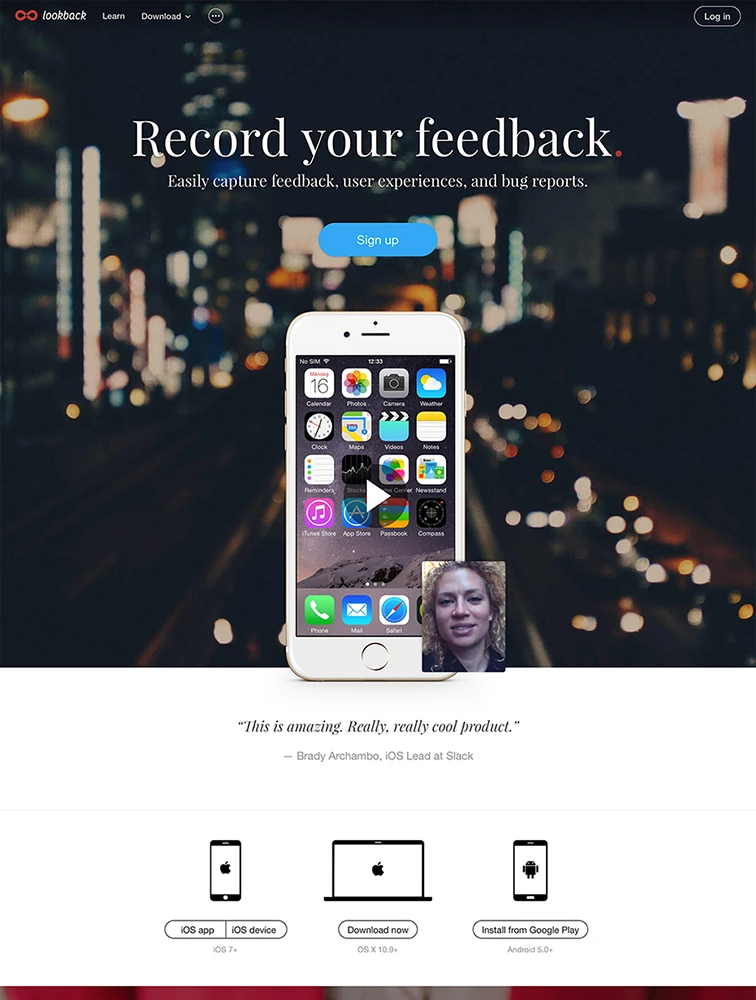
 Lookback
Our Sponsor
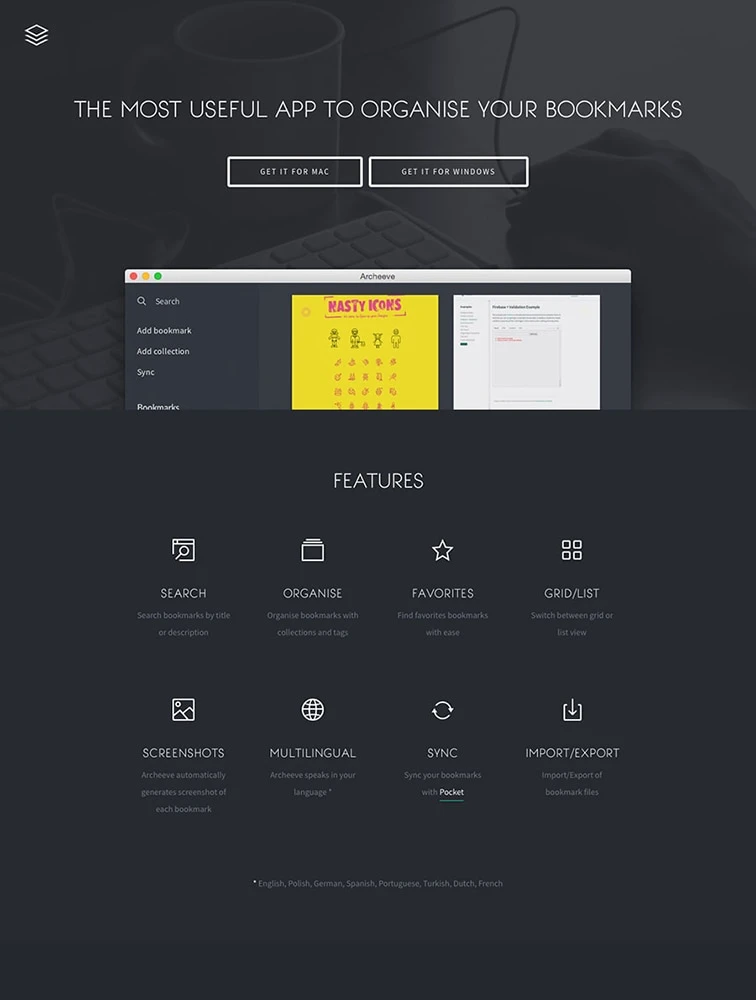
Archeeve
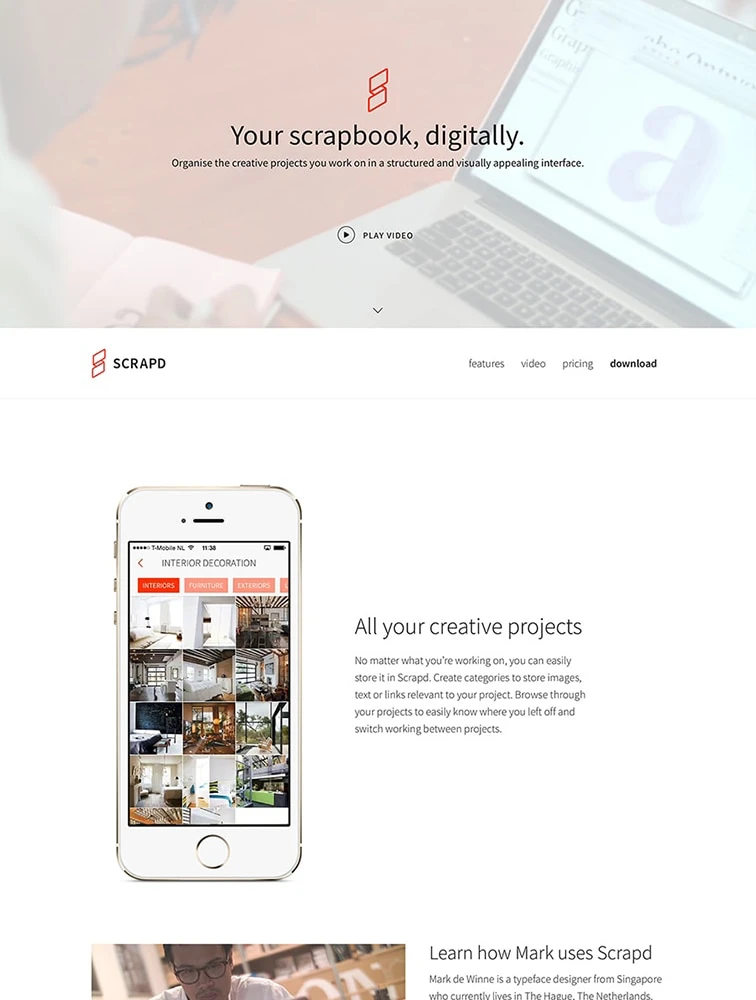
Scrapd
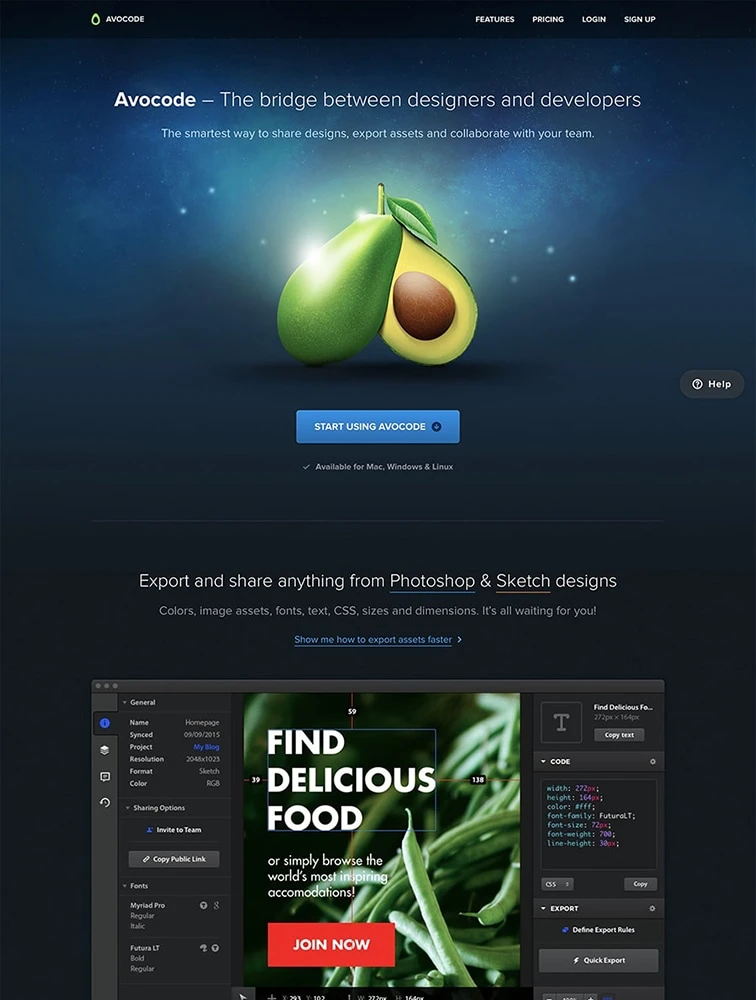
Avocode
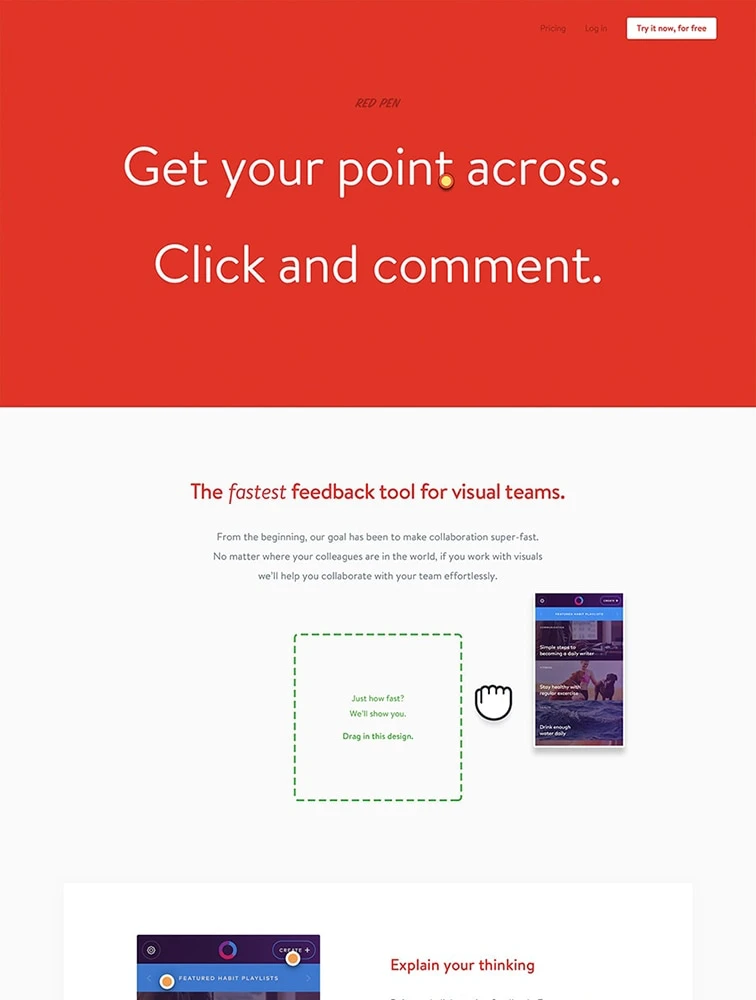
Red Pen
Our Sponsor
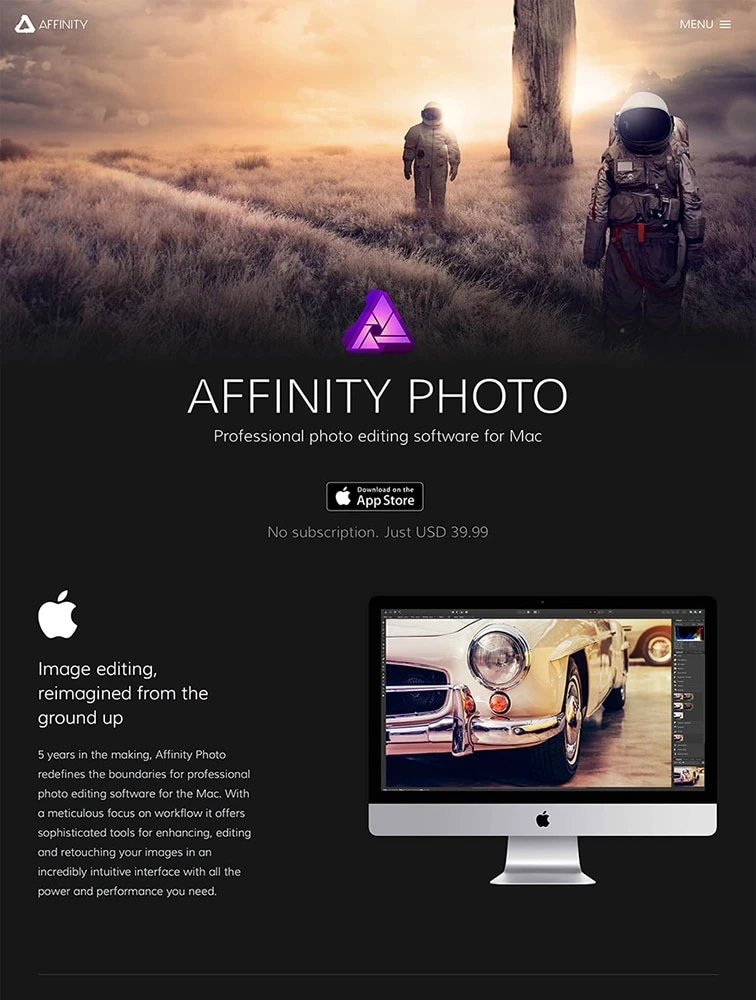
 Affinity Photo
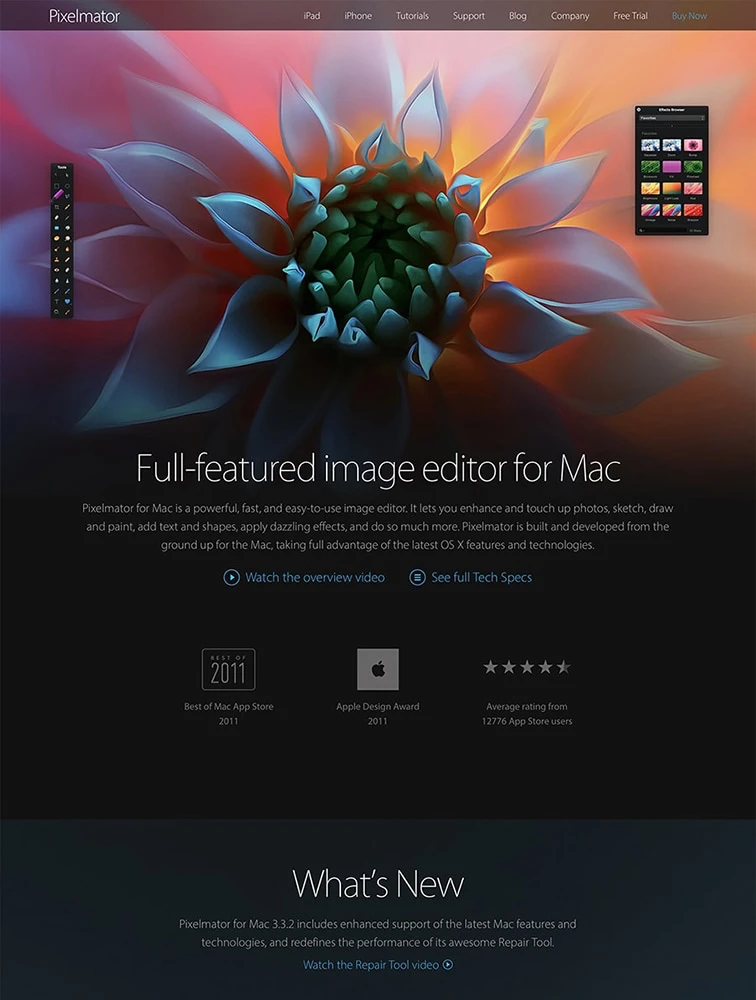
 Pixelmator for Mac
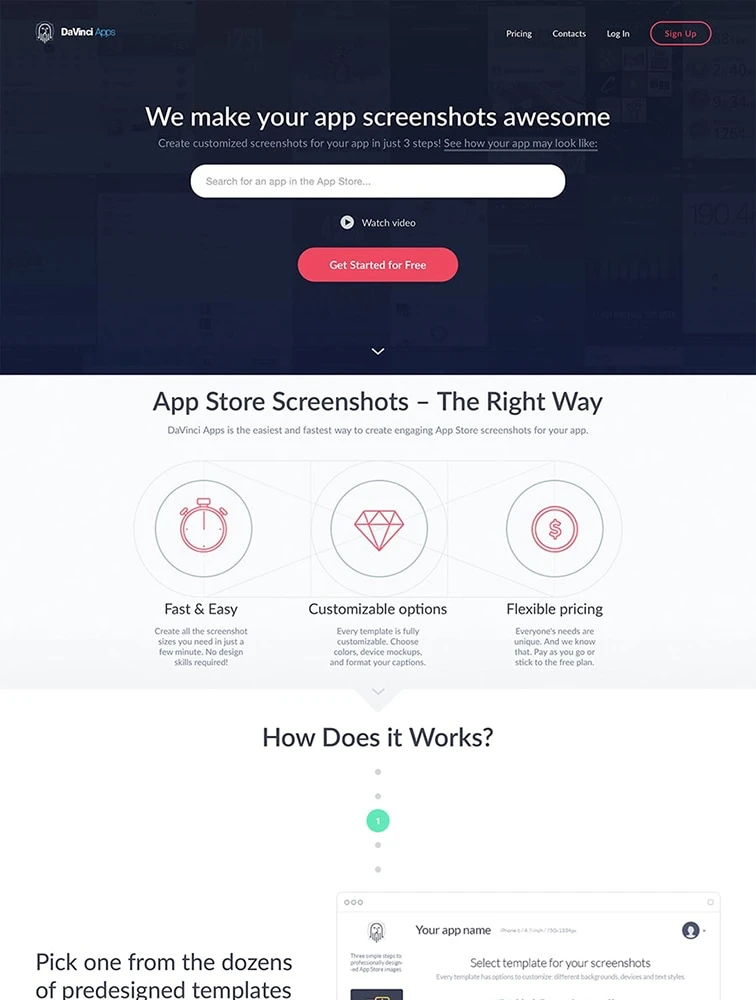
DaVinci Apps
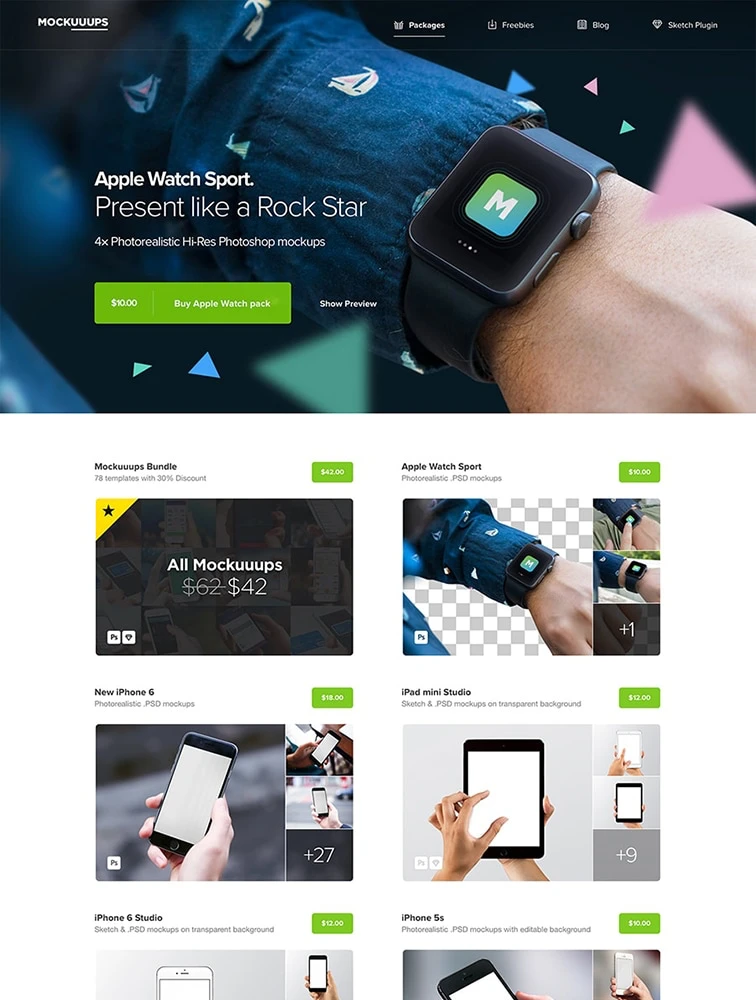
 Mockuuups
Our Sponsor
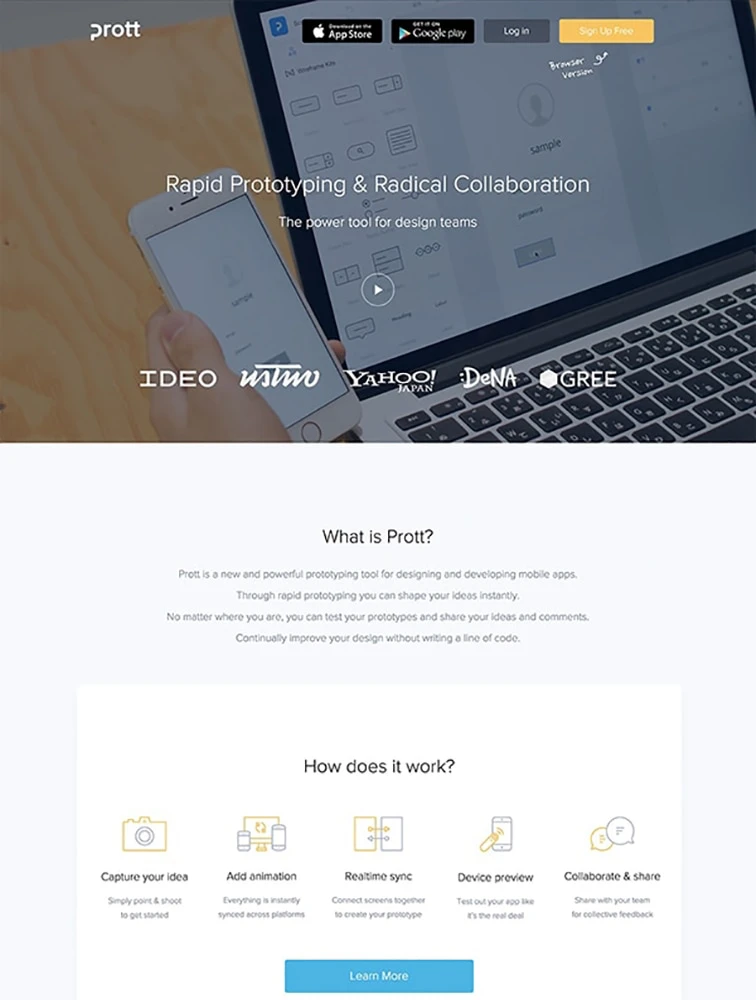
 prottapp
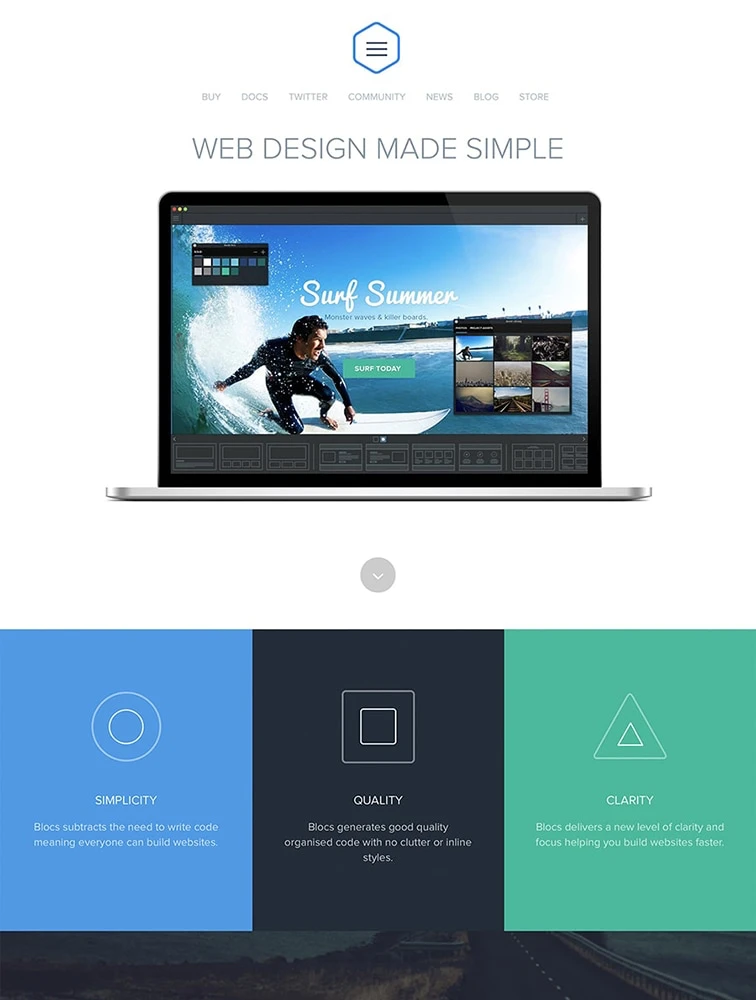
 Blocs
Blocs
Our Sponsor
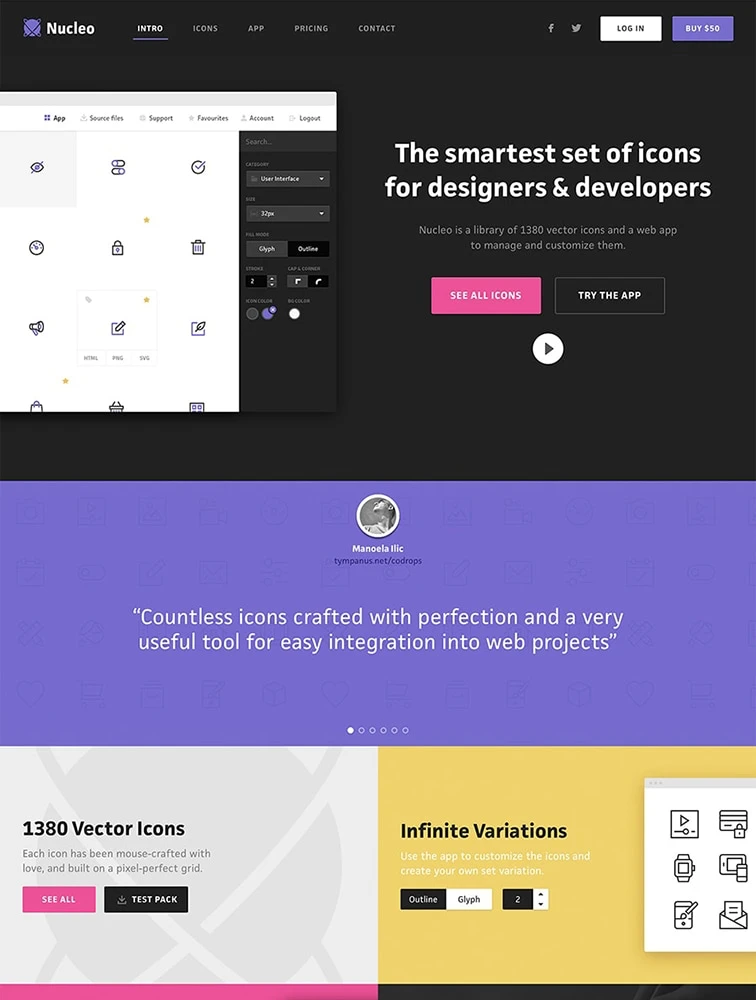
 Nucleo
Frequently Asked Questions
Everything you need to know about design tools landing pages
What is a Design Tools landing page?
A Design Tools landing page is a specialized web page designed to showcase design tools products, services, or content and convert visitors into customers, users, or leads. These pages focus on highlighting the unique aspects of design tools offerings, demonstrating value through compelling visuals and copy, building trust through social proof and credentials, and driving specific actions through clear calls-to-action. Design Tools landing pages are essential for promoting design tools-specific solutions, launching new offerings, running targeted marketing campaigns, and establishing market presence in the design tools space.
What makes Design Tools landing pages effective?
Effective Design Tools landing pages convert through: (1) Clear value proposition immediately communicating benefits specific to design tools, (2) Visual showcase with high-quality images, videos, or demos demonstrating design tools offerings, (3) Targeted messaging addressing pain points and needs of design tools audiences, (4) Social proof including testimonials, case studies, client logos, and reviews from design tools customers, (5) Strategic calls-to-action tailored to design tools conversion goals, (6) Trust signals like credentials, certifications, awards, or recognition relevant to design tools, (7) Mobile optimization since many design tools visitors browse on phones, (8) Clear navigation and user experience guiding visitors toward conversion, and (9) Performance optimization ensuring fast loading for better engagement.
What key elements should Design Tools landing pages include?
Essential Design Tools landing page elements include: (1) Compelling hero section with headline, subheadline, and primary CTA relevant to design tools, (2) Value proposition section explaining unique benefits and differentiators, (3) Features or offerings section highlighting key aspects of design tools products/services, (4) Visual content including images, videos, or interactive elements showcasing design tools solutions, (5) Social proof section with testimonials, reviews, case studies, or client logos, (6) Benefits section explaining how design tools offerings solve problems or create value, (7) Trust indicators like awards, certifications, security badges, or industry recognition, (8) Clear calls-to-action strategically placed throughout the page, (9) Contact information or forms for inquiries, and (10) Mobile-responsive design ensuring great experience across devices.
How should Design Tools landing pages be structured for maximum conversion?
Structure Design Tools landing pages for optimal conversion through: (1) Above-the-fold section with immediate value communication and clear CTA, (2) Logical flow guiding visitors from awareness to interest to action, (3) Progressive disclosure revealing information in digestible sections, (4) Strategic CTA placement at multiple points matching visitor journey, (5) Visual hierarchy emphasizing most important elements through size, color, and position, (6) Scannable content using headers, bullet points, and white space for easy consumption, (7) Social proof strategically positioned near decision points, (8) Reduced friction by minimizing form fields and simplifying conversion process, (9) Trust building throughout with credentials, guarantees, and transparency, and (10) Mobile-first design ensuring seamless experience on all devices. Test different structures to find what resonates best with your design tools audience.
What conversion rates should Design Tools landing pages target?
Design Tools landing page conversion rates vary by traffic source, offer type, and audience. Typical benchmarks: For purchases or sign-ups from paid traffic, target 3-8%. For lead generation or contact forms, aim for 8-15%. For newsletter subscriptions or content downloads, expect 15-30%. For free trials or demos, target 10-25%. Traffic source impacts conversion: organic search typically converts at 8-15%, paid ads at 3-10%, social media at 2-8%, email campaigns at 15-30%, and referrals at 10-20%. Factors affecting design tools conversion include: clarity of value proposition, strength of offer, quality of traffic, page design and usability, trust signals, and competitive alternatives. Improve conversion by A/B testing headlines, CTAs, imagery, form length, and social proof. Focus on qualified conversions that match your ideal design tools customer profile.