Popular Website Typefaces
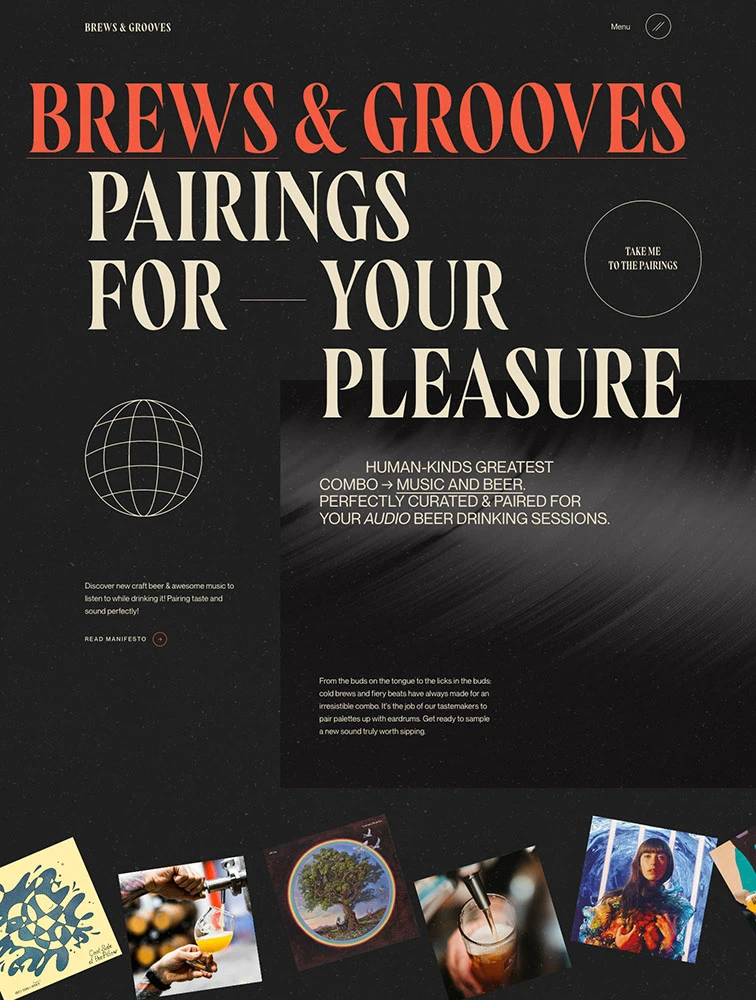
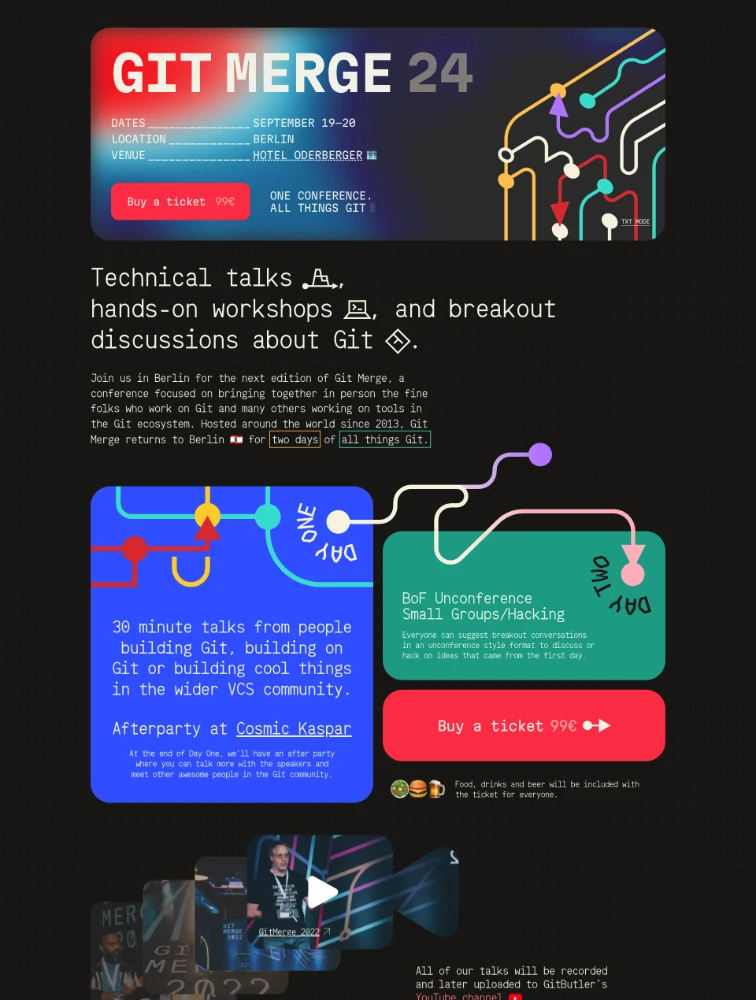
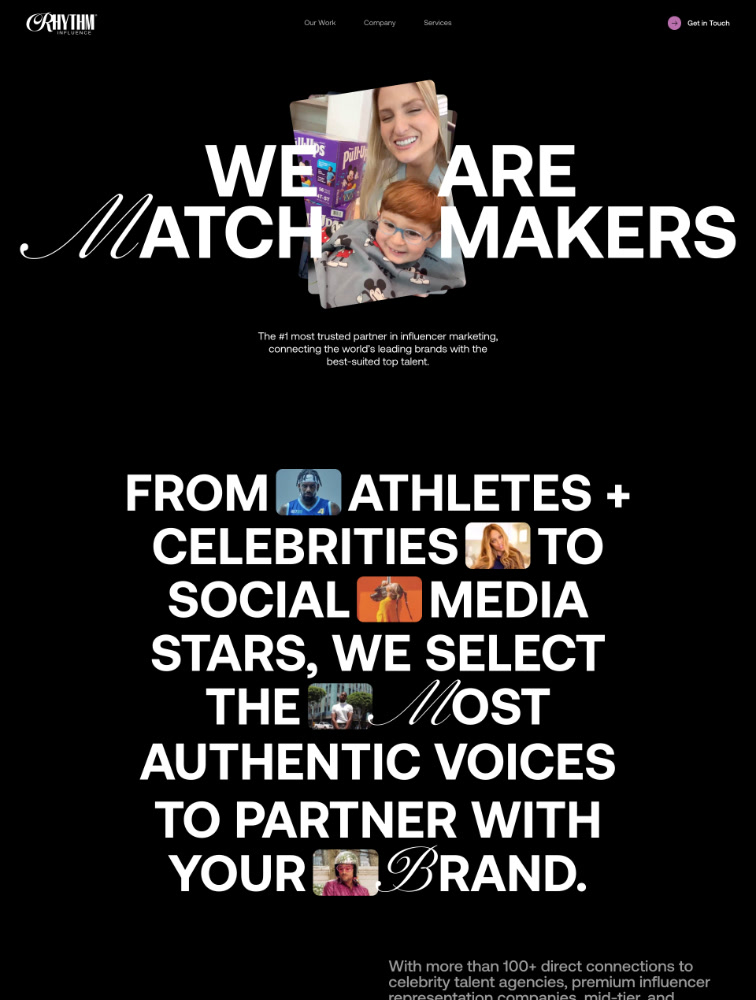
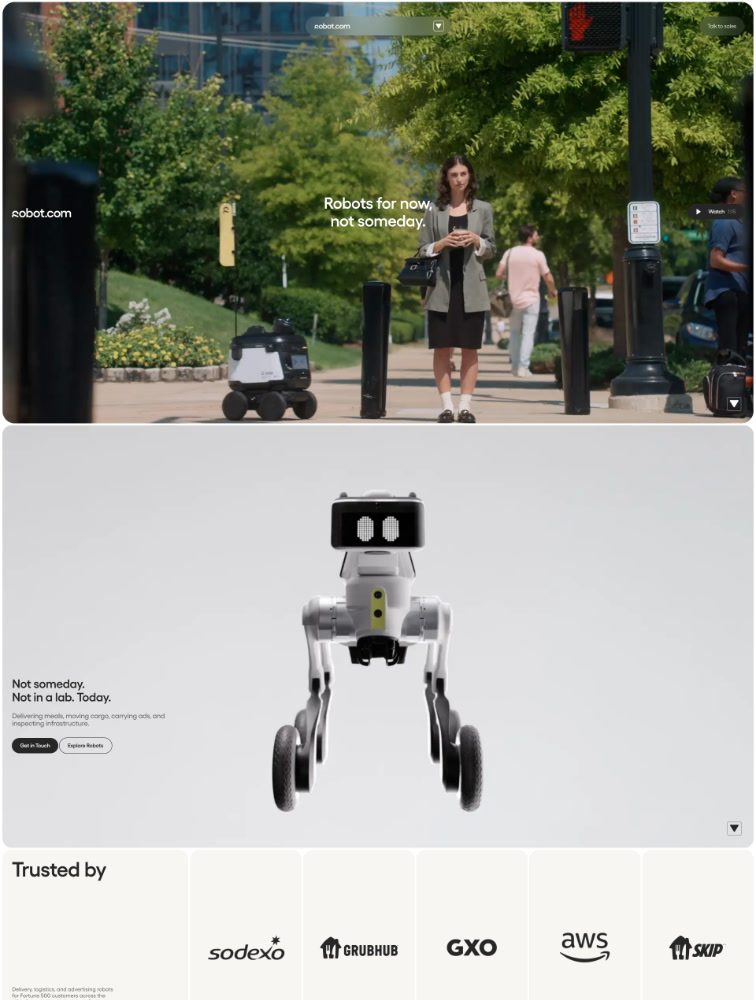
Explore landing page designs based on the typefaces used. Find inspiration from sites using specific fonts like Inter, Suisse Int'l, etc. Currently listing 606 typefaces.
Frequently Asked Questions
Everything you need to know about typeface in landing page design
Why is typeface choice important for landing page design?
Typeface choice is one of the most critical design decisions for landing pages because typography directly impacts readability, brand perception, user trust, and conversion rates. The right typeface improves comprehension by up to 40%, ensuring visitors quickly understand your value proposition. Typography establishes emotional tone - serif fonts convey tradition and trustworthiness (ideal for finance, law, luxury), while sans-serif fonts communicate modernity and clarity (perfect for tech, startups, apps). Typeface influences perceived credibility, with professional typography increasing trust by 30-50%. It creates visual hierarchy guiding attention from headlines to CTAs through size, weight, and style variations. Typography affects loading speed - optimized web fonts load in under 100ms while poor implementation can add 2-3 seconds. It impacts accessibility with proper fonts, sizing, and contrast enabling readability for users with visual impairments. Most importantly, typography differentiates your brand creating distinctive identity through consistent font usage across all touchpoints.
What are the main typeface categories and when should I use each?
Main typeface categories include: Serif fonts (Times New Roman, Garamond, Merriweather) with decorative strokes at letter ends, ideal for traditional industries like finance, law, luxury goods, publishing, and education where trust and authority matter. They work excellently for body text in long-form content. Sans-serif fonts (Helvetica, Inter, Roboto, Poppins) without decorative strokes, perfect for modern brands, technology companies, startups, apps, and clean interfaces. They're highly readable on screens making them ideal for headlines, UI elements, and body text. Monospace fonts (Courier, Monaco, JetBrains Mono) with fixed character width, used sparingly for code snippets, technical documentation, or creating distinctive developer-focused brands. Display fonts (custom decorative typefaces) for headlines and hero sections when brand personality demands uniqueness, used sparingly due to limited readability. Script fonts mimicking handwriting, rarely appropriate for landing pages except specific luxury or wedding industries. For most landing pages, combine a bold sans-serif for headlines with either the same font family at lighter weight or a readable serif for body text, maintaining 2-3 fonts maximum to avoid visual chaos.
What are typography best practices for landing page conversion?
Typography best practices for high-converting landing pages: Use 2-3 font families maximum - typically one for headlines, one for body text, and occasionally an accent font. Establish clear hierarchy through size, weight, and spacing variations making the most important elements (value proposition, CTAs) immediately obvious. Ensure readability with minimum 16px for body text, 1.5-1.8 line height for body copy, and 50-75 characters per line for optimal reading. Maintain sufficient contrast meeting WCAG standards (4.5:1 for body text, 3:1 for large text) ensuring accessibility. Optimize loading by using variable fonts, loading only necessary weights, and implementing font-display: swap to prevent invisible text. Create scannable content with clear headings, bullet points, short paragraphs (3-4 lines), and whitespace between sections. Use responsive typography with fluid sizing adjusting gracefully across devices. Align text appropriately - left-aligned for Western languages, centered for short headlines only. Make CTAs stand out through bold weights, contrasting colors, and strategic sizing. Test typography across devices and browsers ensuring consistency.
How do I choose and pair typefaces effectively?
Effective typeface selection and pairing strategies: Start by defining brand personality - modern and clean (geometric sans-serifs like Montserrat), friendly and approachable (humanist sans-serifs like Open Sans), traditional and trustworthy (classic serifs like Georgia), or bold and unique (display fonts for headlines). Match fonts to audience expectations - tech audiences expect clean sans-serifs, luxury audiences appreciate elegant serifs, creative audiences embrace unique typography. For pairing, use contrast - pair bold sans-serif headlines with lighter serif body text, or geometric headlines with humanist body. Maintain consistency within the same font family using different weights and styles (Inter Regular for body, Inter Bold for headlines). Test readability by viewing fonts at actual sizes in realistic contexts, not just specimens. Consider technical aspects - choose fonts with complete character sets for your languages, multiple weights for hierarchy, and good web performance. Browse proven systems like Google Fonts, Adobe Fonts, or Font Squirrel for quality web fonts. Look at successful landing pages in your industry on sites like Lapa.ninja at lapa.ninja/typeface/ to see what typography approaches convert well for similar products and audiences.
What common typography mistakes hurt landing page conversion?
Common typography mistakes that reduce conversion: Using too many fonts (more than 3) creating visual chaos and unprofessional appearance, reducing trust and increasing cognitive load. Insufficient contrast between text and background making content difficult or impossible to read, particularly problematic for accessibility. Body text too small (under 16px) straining eyes and increasing bounce rates, especially on mobile devices where 60%+ of traffic occurs. Poor hierarchy with similar sizing for headlines, subheads, and body making it unclear what's most important. Excessive line length (over 90 characters) or too short (under 40 characters) hurting readability and comprehension. Centered body text creating uneven left edges that slow reading and increase fatigue. Loading too many font weights bloating page size and slowing load times by 2-4 seconds. Using decorative display fonts for body text sacrificing readability for aesthetics. Not testing fonts across devices leading to rendering inconsistencies or missing fallbacks. Ignoring web font loading strategies causing flash of invisible text (FOIT) or unstyled text (FOUT). Trendy fonts that quickly date your design. Poor letter-spacing, word-spacing, or line-height making text cramped or too loose. Text on busy backgrounds without sufficient contrast or overlays. Always prioritize readability and conversion over aesthetic preferences alone.